
Top Up
Shop
Pay
Withdraw
Try It Yourself
Demo Instructions
Email: [email protected]
Password: 12345678
Go to your wallet dashboard to see your balance and transaction history.
My WalletAdd funds to your wallet using credit card, PayPal, or bank transfer.
Top Up NowClick the "Add to Cart" button on the product shown below and proceed to checkout.
At checkout, select "E-Wallet" as your payment method to pay using your wallet balance.
Go to Checkout
Gift Cards
Gift cards let you give the gift of shopping! Purchase a gift card to send to friends or family, or redeem one you've received to add funds to your wallet.
How Gift Cards Work
Buy a gift card from your wallet dashboard. Choose any amount and optionally send it to someone via email.
Send the gift card code to friends or family via email, or keep it for yourself to use later.
Enter your gift card code to redeem it. The full balance will be added to your wallet instantly.
You can also apply a gift card directly at checkout to get a discount on your order.
Gift Card Features
Choose any gift card value within the store's limits.
Send gift cards directly to recipients with a personal message.
Redeemed funds are available immediately in your wallet.
Apply gift cards at checkout for instant order discounts.
Check your gift card balance anytime before redeeming.
Please login to purchase or redeem gift cards.
Screenshots
See the E-Wallet plugin in action
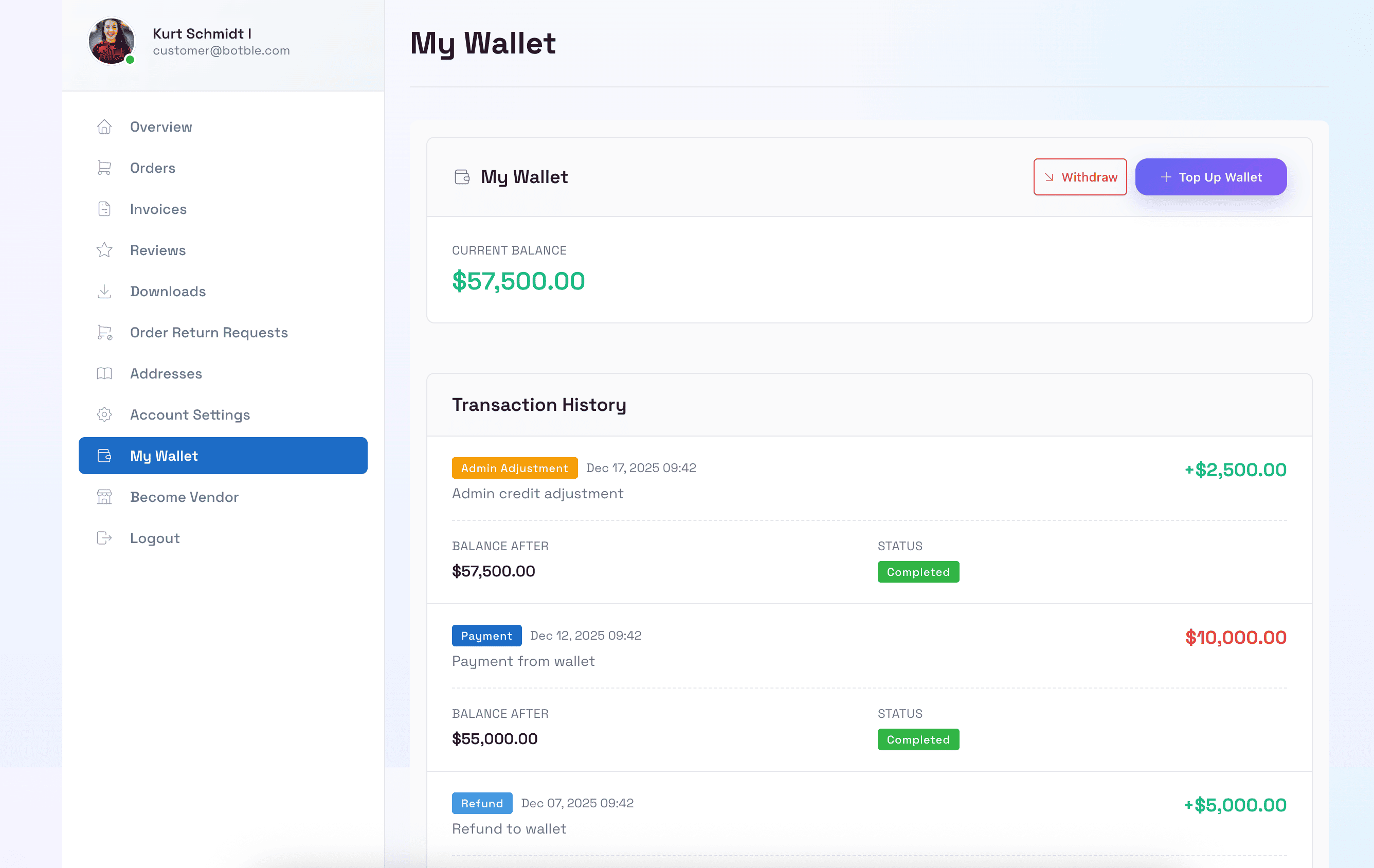
Customer Wallet Dashboard
Customers can view their wallet balance, transaction history, and manage their funds in the account dashboard.
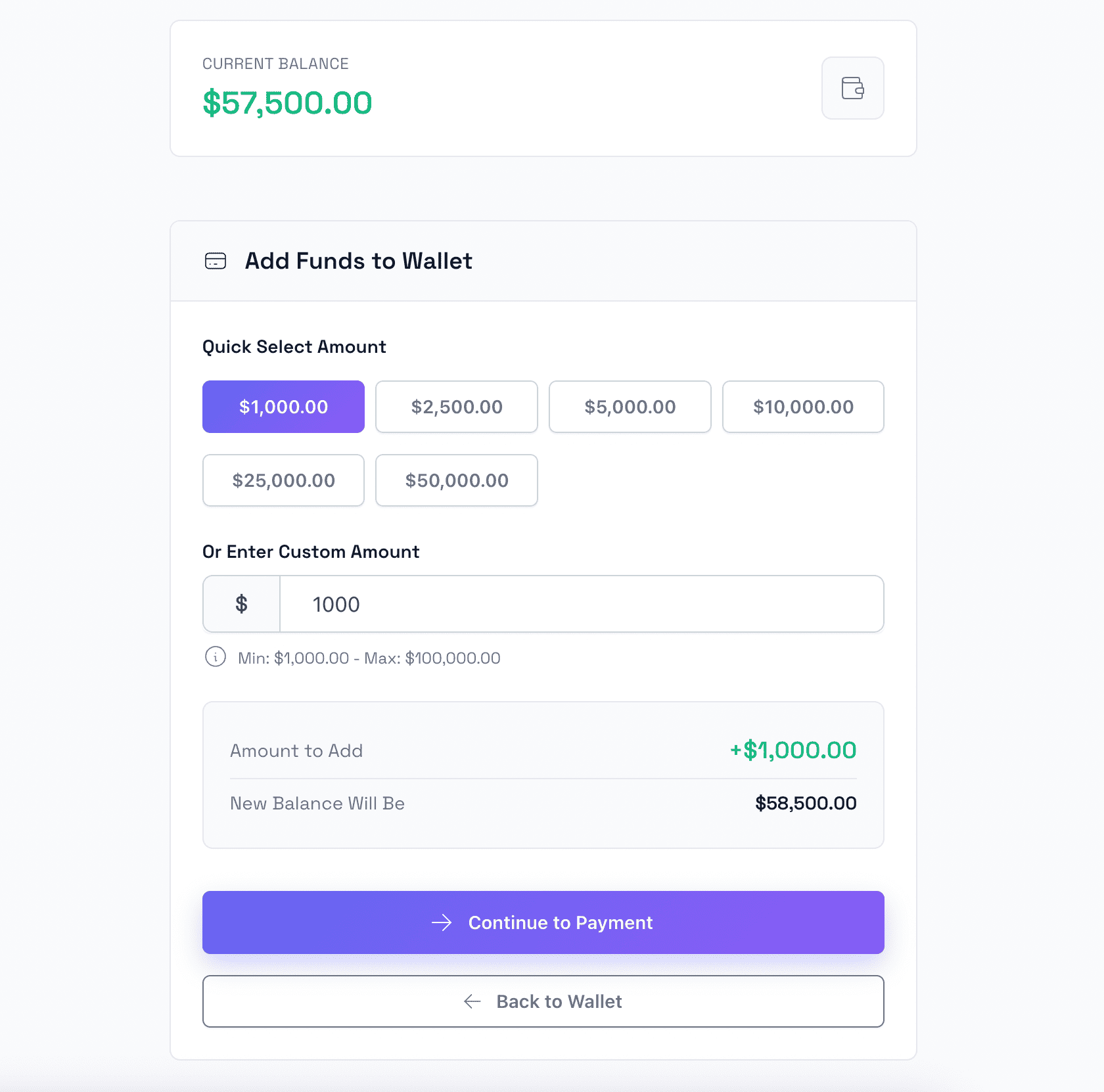
Top Up Wallet
Customers can easily add funds to their wallet using various payment methods including credit cards and PayPal.
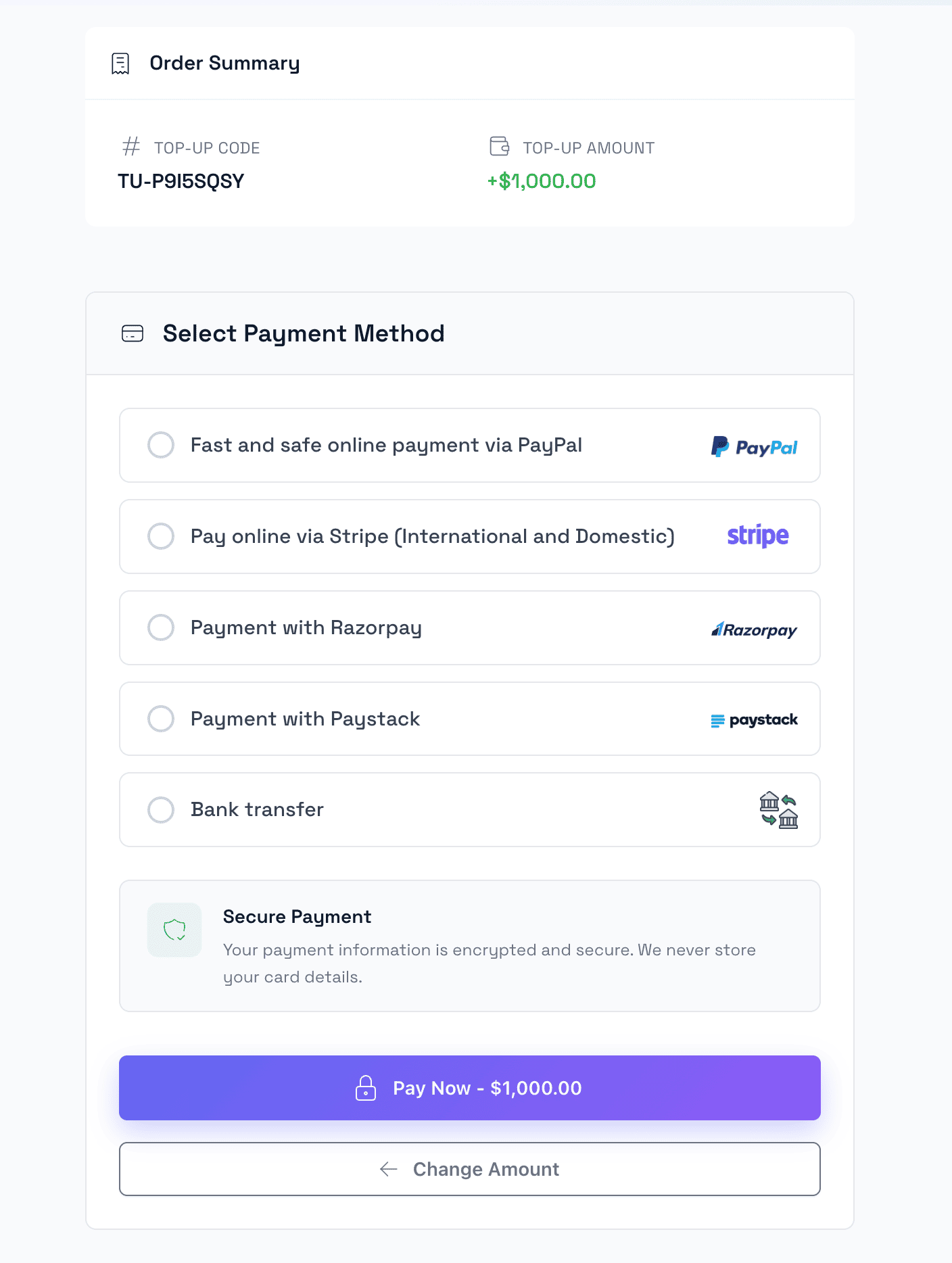
Top Up Checkout
Secure checkout process for wallet top-ups with multiple payment gateway options.
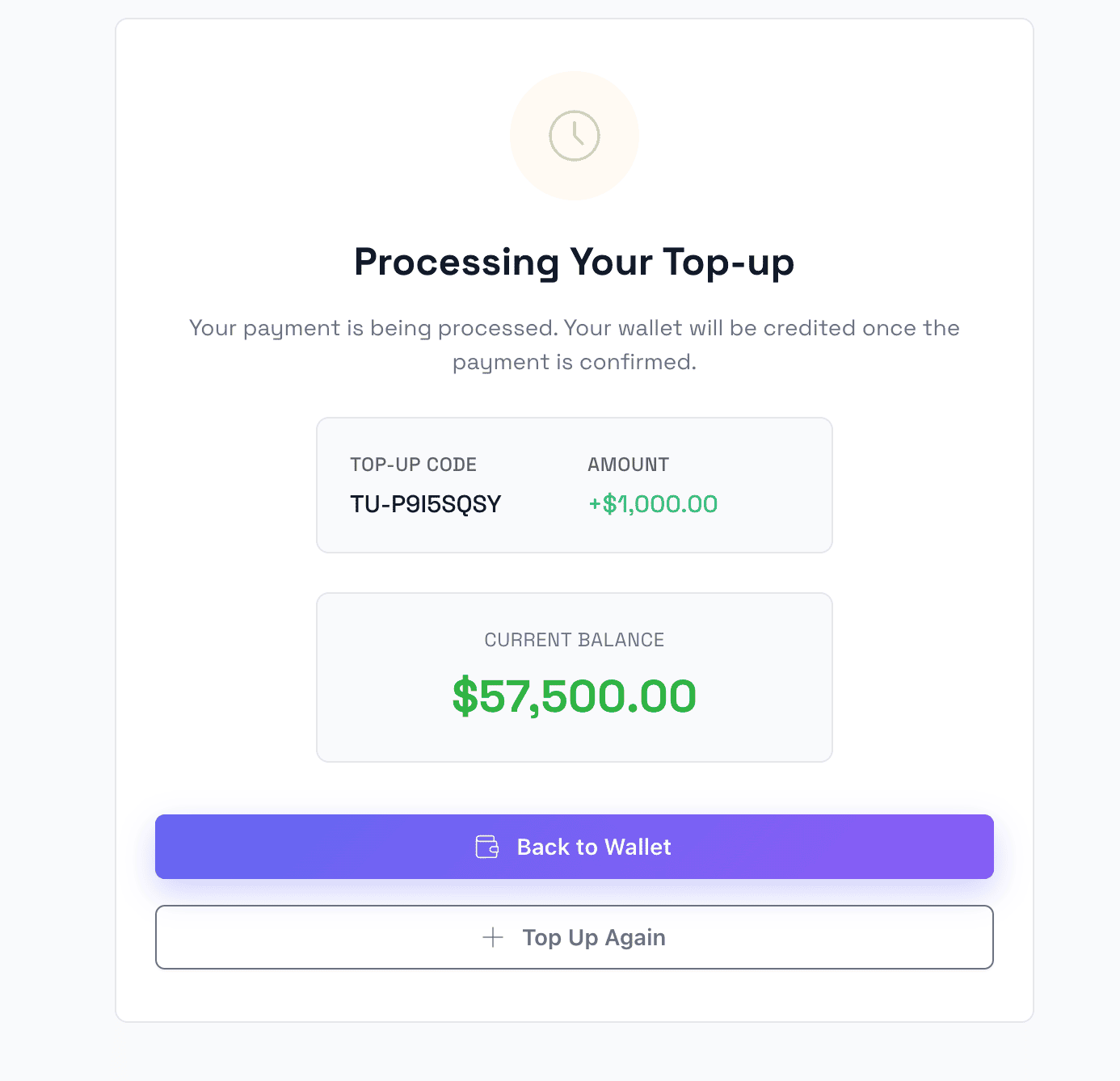
Top Up Success
Confirmation page showing successful wallet top-up with updated balance information.
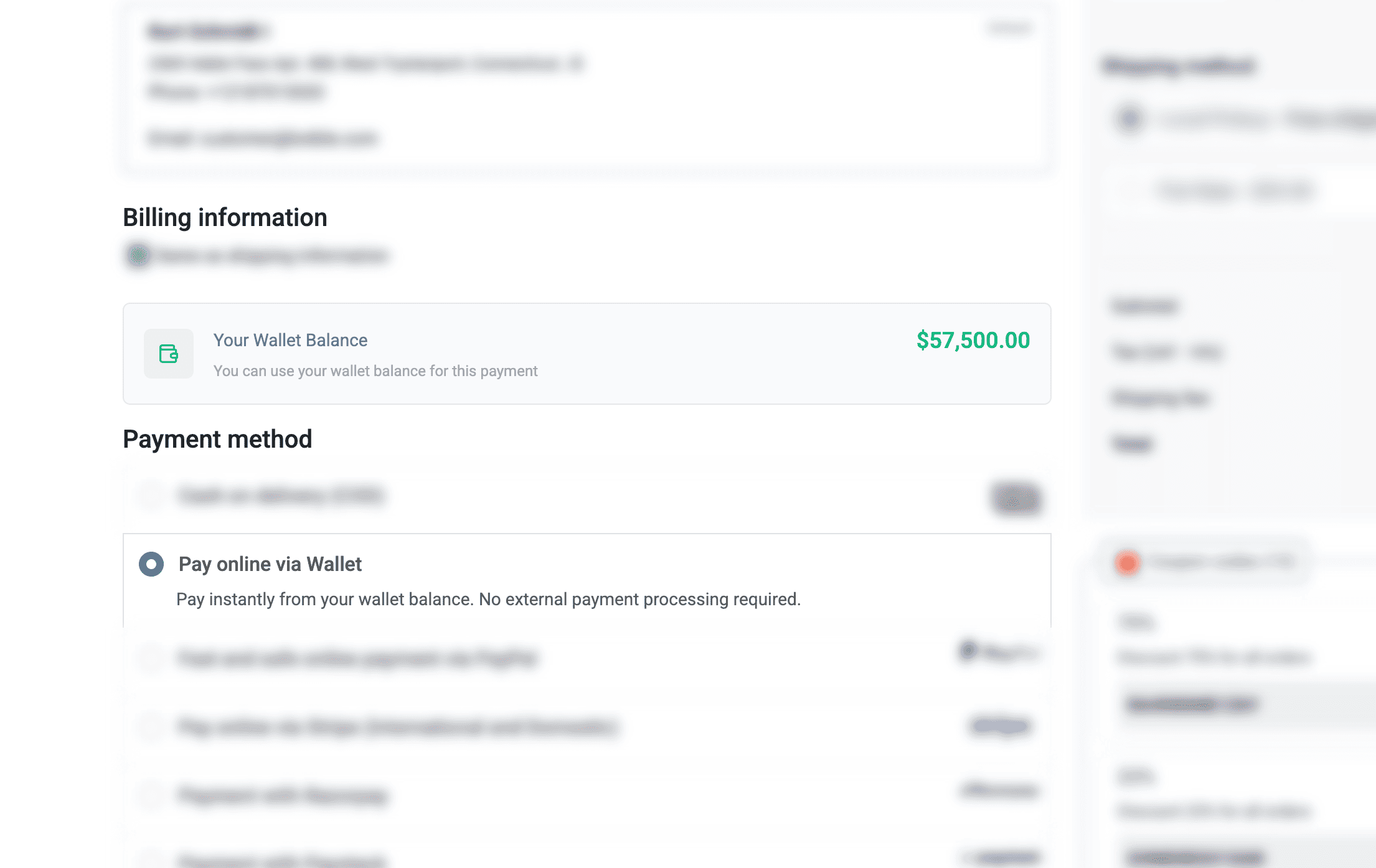
Pay with E-Wallet
Use wallet balance as a payment method at checkout for quick and easy transactions.
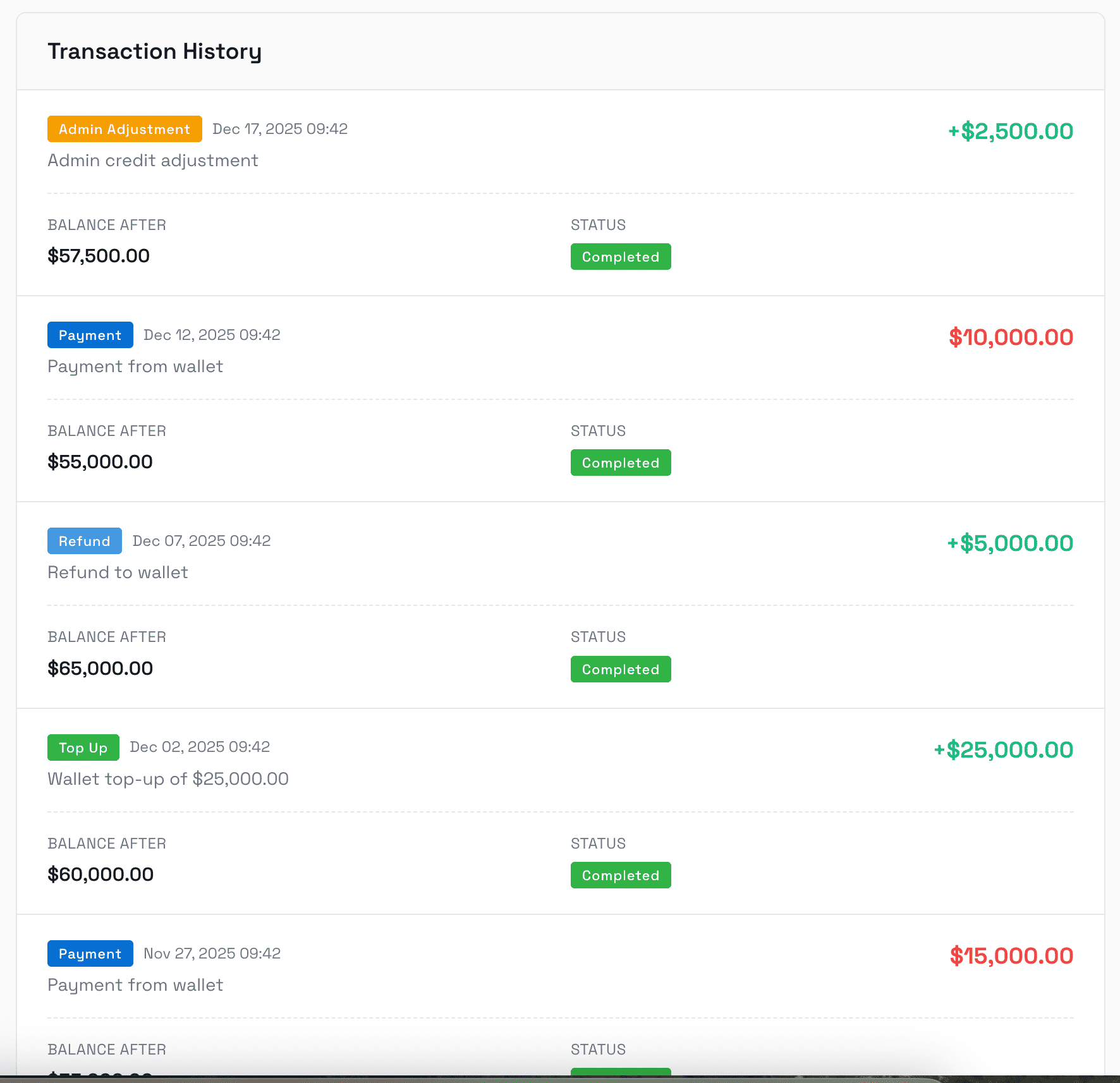
Transaction History
Complete transaction log showing all top-ups, payments, refunds, and adjustments with detailed information.
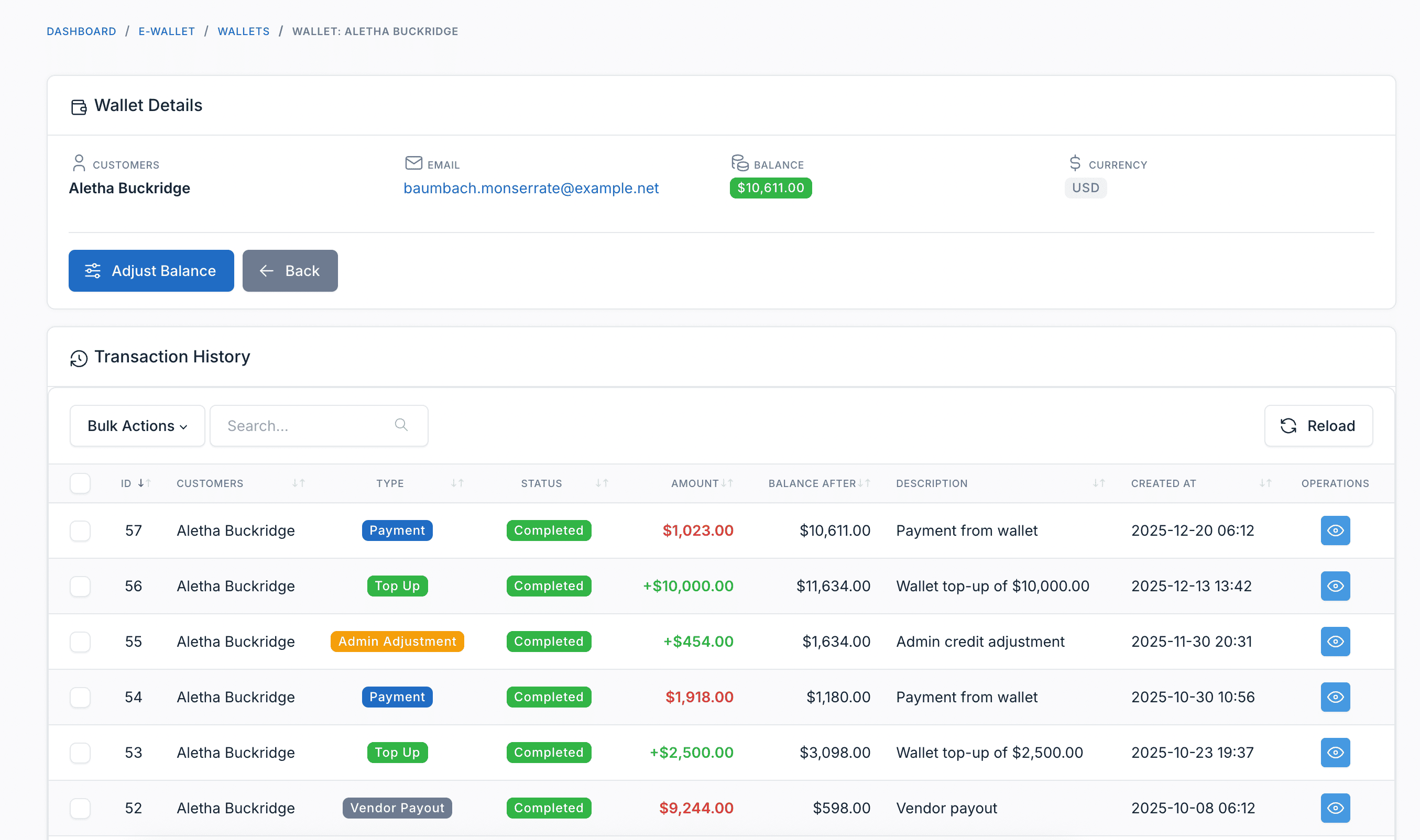
Admin Panel
Manage Customer Wallets
Administrators can view all customer wallets, balances, and manually adjust wallet funds when needed.
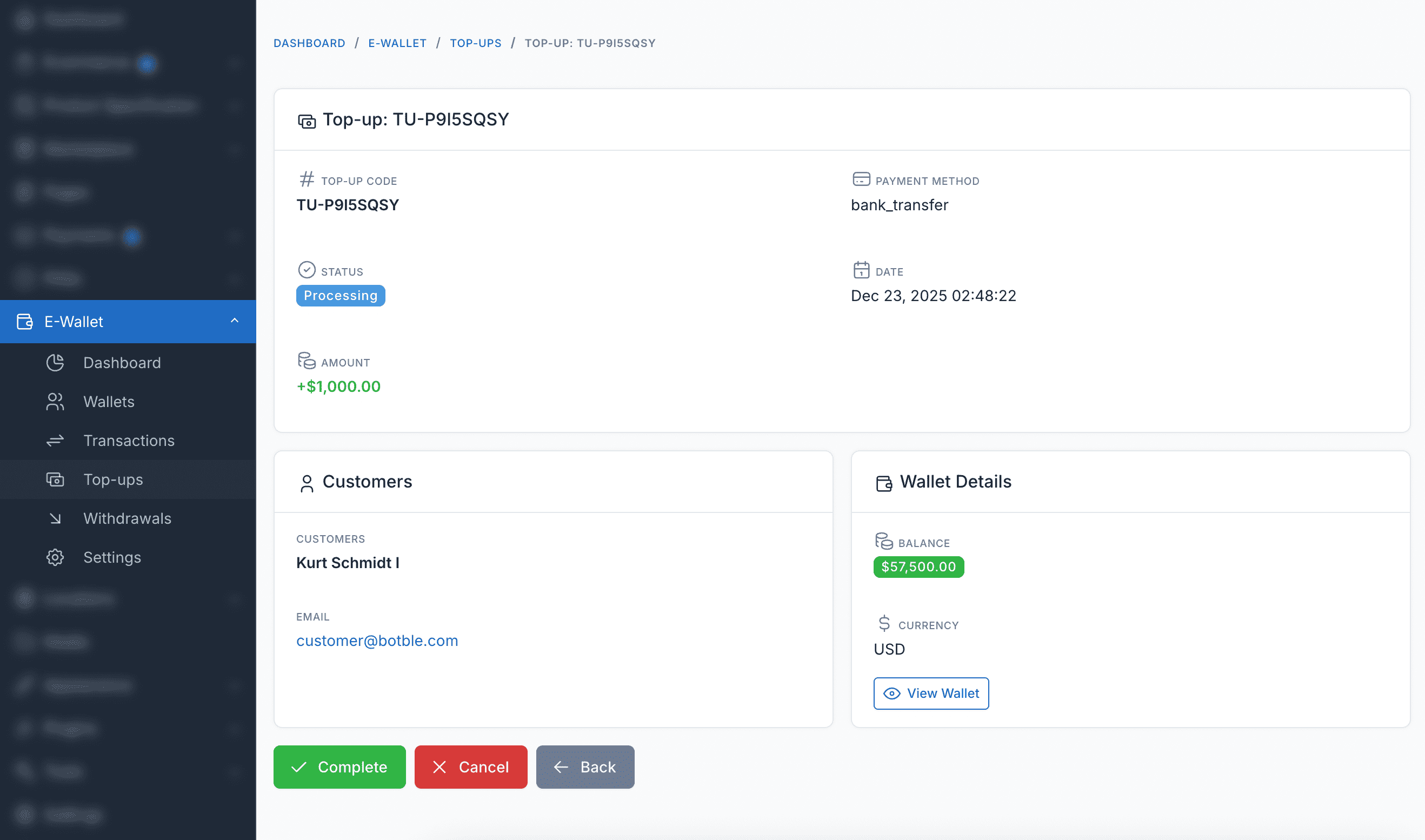
Top Up Management
View and manage all customer top-up requests, including pending, completed, and failed transactions.
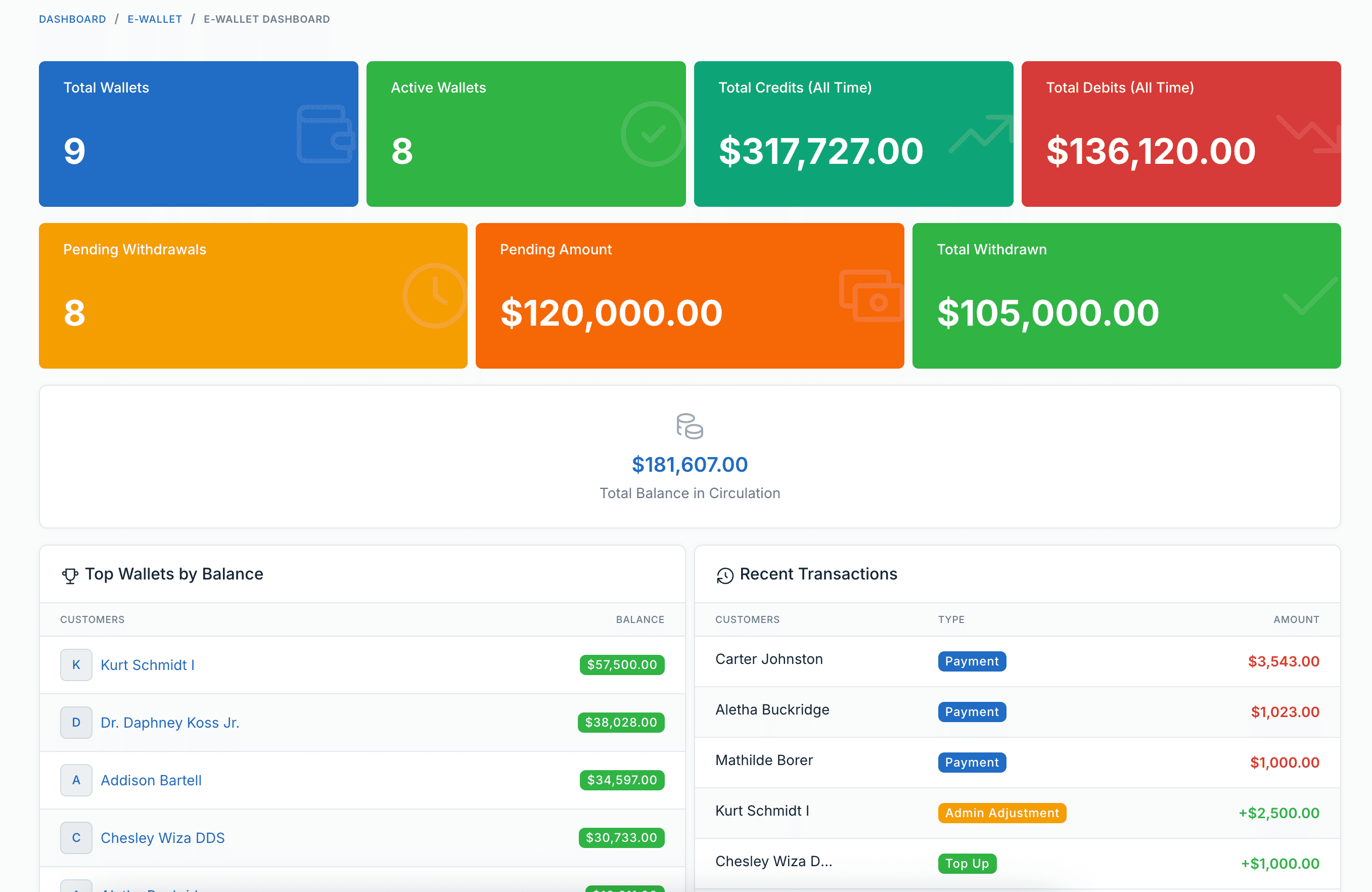
Reports Dashboard
Comprehensive reports and analytics for wallet transactions, top-ups, and overall wallet system performance.
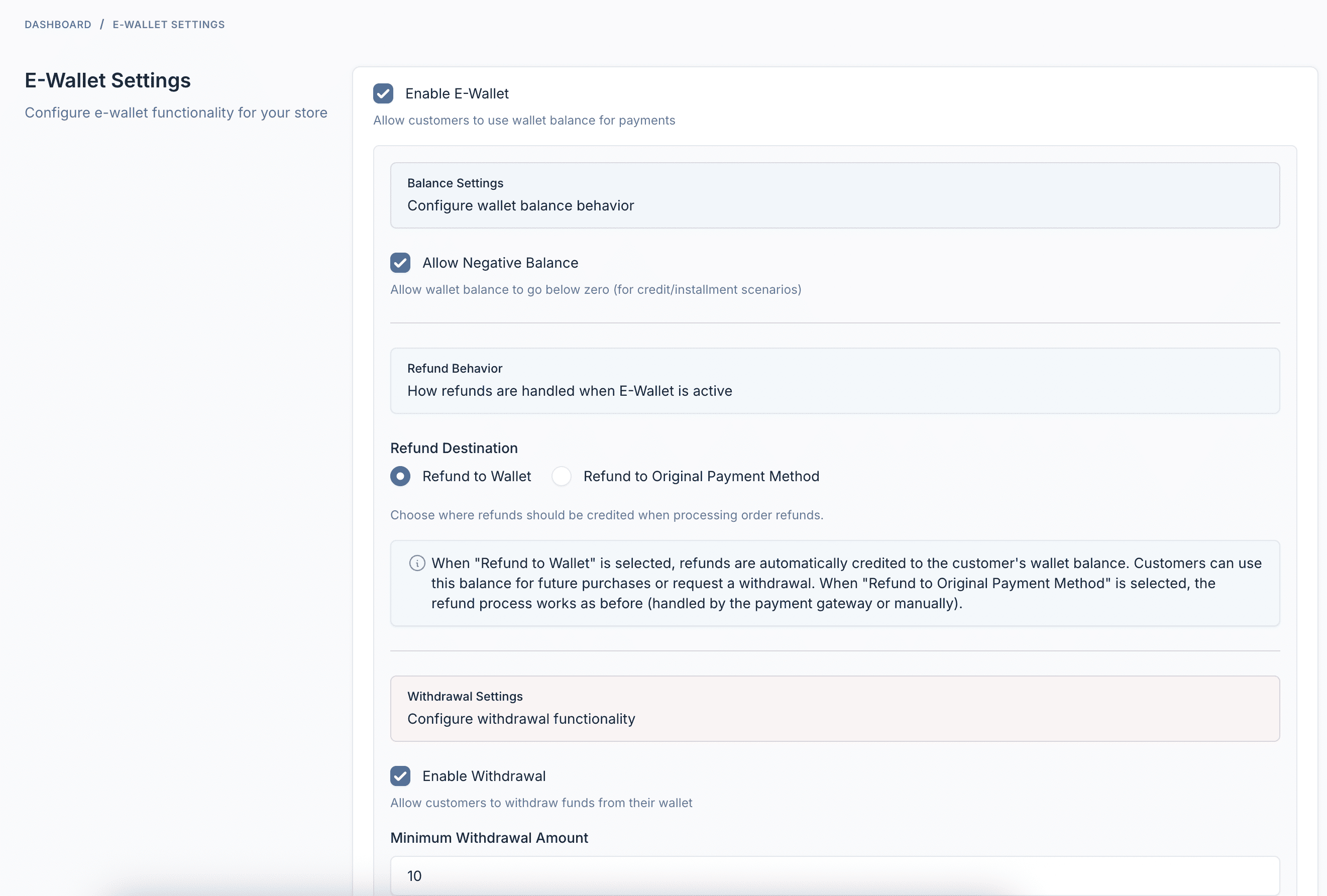
Settings & Configuration
Fully configurable settings including minimum/maximum top-up limits, payment methods, and wallet behavior options.
Plugin Features
Everything you need to run a successful E-Wallet system
Wallet Top-Up
Customers can add funds to their wallet using any configured payment gateway - Stripe, PayPal, bank transfer, and more.
Pay with Wallet
Use wallet balance at checkout for instant payments. No external payment processing - just one-click purchase.
Withdrawals
Customers can request to withdraw funds to their bank account, PayPal, or other configured payout methods.
Automatic Refunds
When orders are cancelled or returned, refunds are automatically credited back to the customer's wallet.
Transaction History
Complete audit trail of all wallet activities - top-ups, payments, refunds, withdrawals, and admin adjustments.
Customer Dashboard
Beautiful dashboard for customers to view balance, top up, request withdrawals, and track transactions.
Admin Management
View all wallets, manually adjust balances, manage withdrawals, and configure settings from admin panel.
Analytics Dashboard
Comprehensive reports showing wallet circulation, top customers, transaction trends, and system health.
Webhook Integration
Send HTTP notifications to external systems when top-ups are created, completed, failed, or cancelled.
Multi-language Support
Available in 30+ languages including English, French, German, Spanish, Vietnamese, Japanese, Korean, Chinese, Arabic, and more.
Fully Compatible
Works with all Botble e-commerce themes available on CodeCanyon.